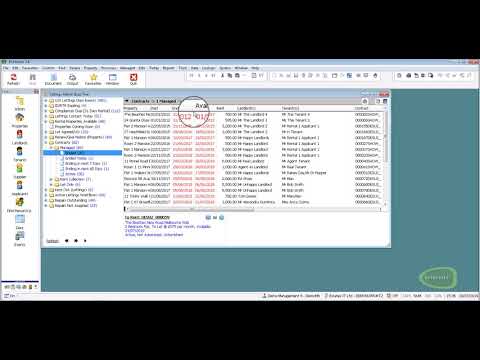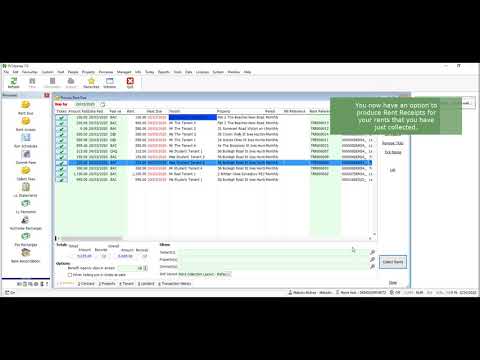
Firstly you must register with Fixflo to have an account that will integrate with Estates IT & PCHomes or PCHomes Plus
You will get a welcome email from Fixflo that will contain your business's unique URL that can be provided to Tenants for logging maintenance issues. You will also be able to login to your Fixflo account and manage various aspects of your Fixflo account
In the welcome email the URL you are provided will be in the format https://your-domain-prefix.fixflo.com, the "your-domain-prefix" will be referred to in these instructions and will be needed for the setup of PCHomes.
- Logging into your Fixflo account https://your-domain-prefix.fixflo.com
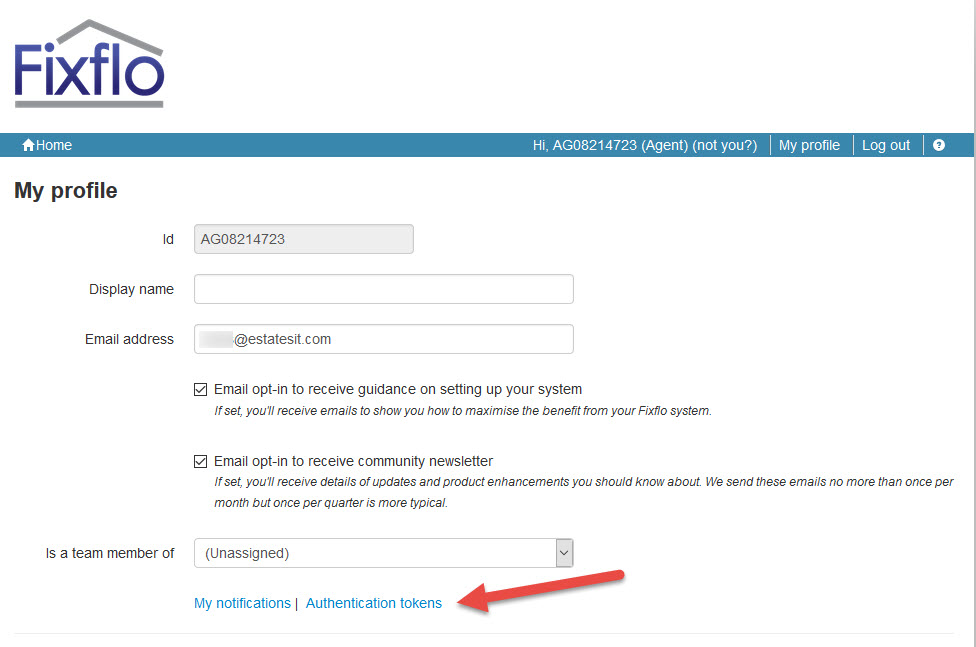
- Click on "My Profile" on the top right
- Click on "Authentication tokens" which is above the password options
- Select to add a AppID called ESTATESIT
- Copy "your-domain-prefix" and the Authentication token into PCHomes system setup Integrations - Fixflo
Find the "Authentication tokens" link
Adding ESTATESIT as a App Id to generate a token
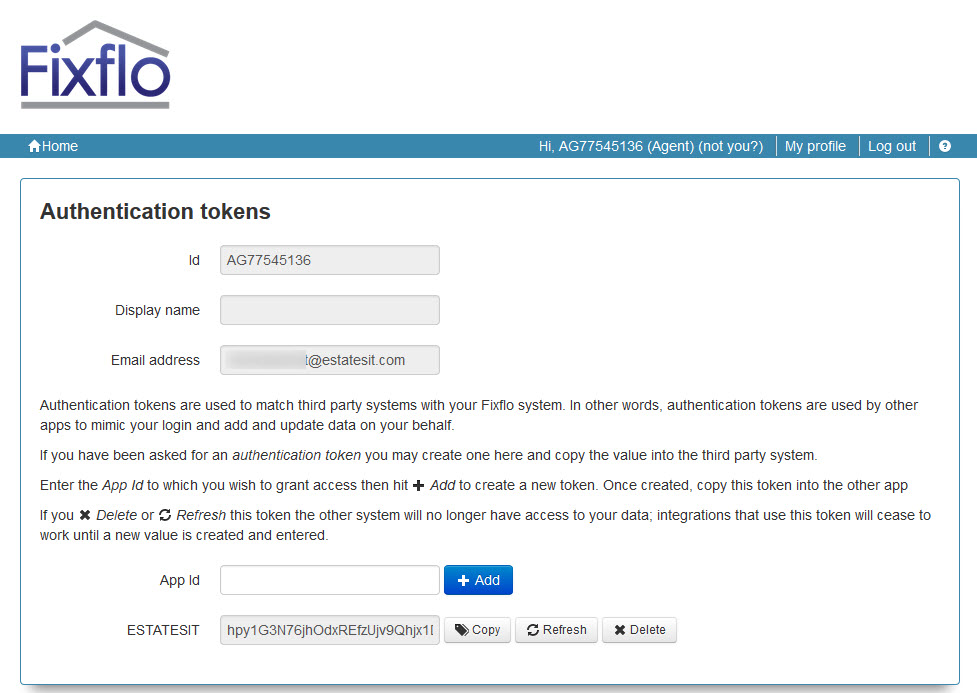
Copy the two settings into PCHomes
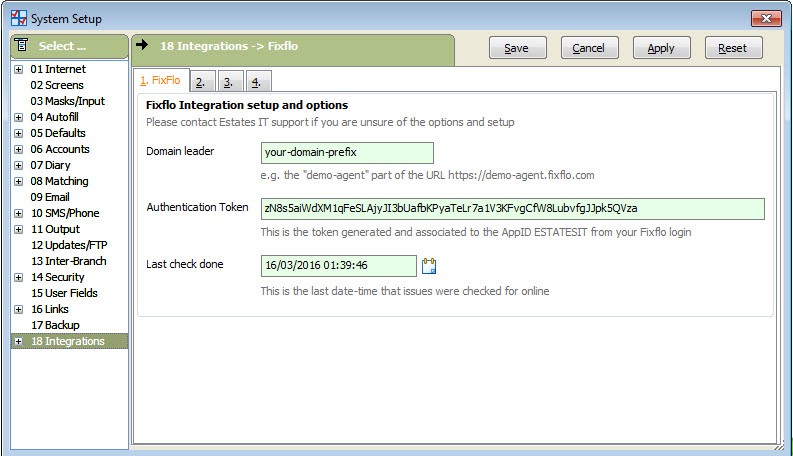
That's it for the setup. You can now allow tenants to log issues and have them read into the PCHomes software to generate Repair/Maintenance Events.