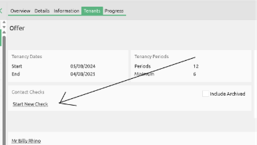
Step 1 : To start the check you can do this from either the Tenants tab on the Offer section or the Tenancy.
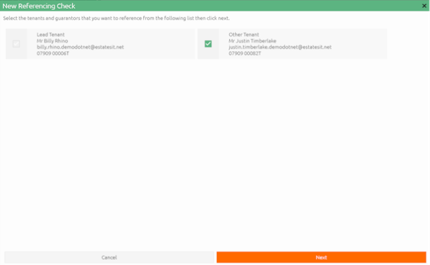
Step 2 : The first screen allows the user to select one or more tenants/guarantors to be references based on the offer or tenancy. The lead tenant will always be referenced.
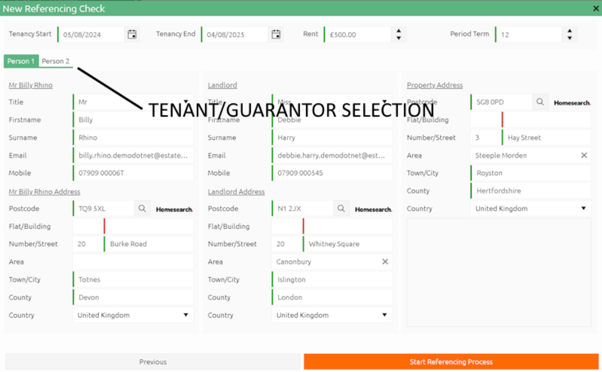
Step 3: The second screen allows for the details to be entered and validated before the reference process is started. Click on the Start Referencing Process button to start.
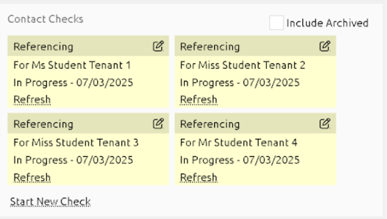
Step 4 : A widget will show the status once the Tenants have been referenced. You can check this at any point by clicking on Refresh.